
Wiley
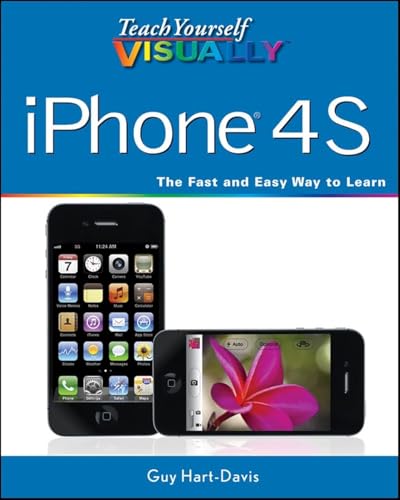
Teach Yourself VISUALLY iPhone 4S
Free shipping with 3 or more products in your cart
Payflex: Pay in 4 interest-free payments of R237.75. Read the FAQ
R 951
In stock
Low stock in USA warehouse Order soon to secure your order
Duties, insurance and VAT included
Delivered in 10–20 working days —


Free shipping with 3 or more products in your cart
Secure checkout
Your payment is fully protected
Duties & VAT included
No surprise charges at the door
Tracked delivery
Track your order end to end
Returns support
30-day return window
Description
Teach Yourself VISUALLY iPhone 4S
Shipping & Delivery
Your order is shipped from the USA and delivered to your door in South Africa in 10–20 working days. All items are fully tracked.
Returns & Exchanges
We offer a 30-day return window. If something isn't right, contact our support team and we'll make it right.