
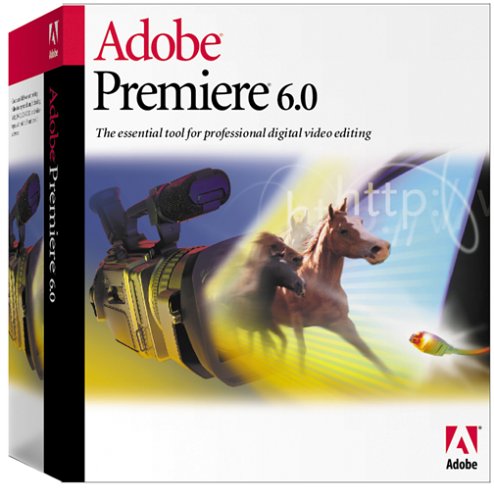
Premiere 6.0 Mac


Description
- Prof. digital video editing
- Robust DV support
- Familiar Adobe interface
If you've worked with other Adobe applications, Premiere will look familiar, with the command menus at the top of the screen, windows to perform your assembling and editing, the toolbox, and the floating palettes. The Premiere toolbox contains tools for selecting, editing, and viewing your clips. The floating palettes contain additional features that help you monitor, modify, and enhance your work. You can hide and rearrange the palettes to organize your workspace, as needed. All of the clips that you import into your project--video, still image, sequence, and audio--are listed in the Project window. Every project has only one Project window; if you close this window, you close the project. The Project window is customizable, so that you can sort and view your clips by using the options that are more appropriate for your editing style.
Use the Monitor window to view individual clips, set In and Out points, set markers, add and remove clips from the Timeline, trim clips, and preview the Timeline. When you use the Single-Track Editing workspace, the Monitor window, by default, includes the Source view and the Program view. When you use the A/B Editing workspace, the Monitor window, by default, displays only the Program view and uses individual Clip windows, instead of the Source view. The Source view displays a single clip as it appears on your hard disk. Use the Source view to prepare a clip for inclusion in the Timeline. The Program view displays the current state of the Timeline--when you preview the Timeline, it plays in the Program view.
Technical Specifications
Shipping & Delivery
Your order is shipped from the USA and delivered to your door in South Africa in 10–20 working days. All items are fully tracked.
Returns & Exchanges
We offer a 30-day return window. If something isn't right, contact our support team and we'll make it right.