
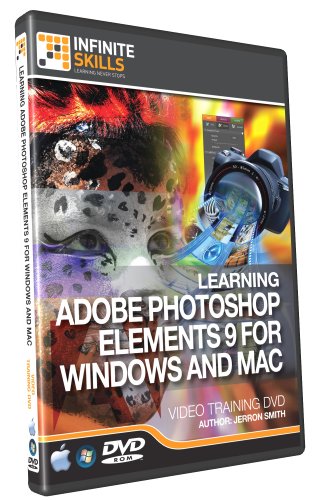
Photoshop Elements 9 Training Video - Tutorial DVD (PC and Mac)


Description
- Reduce learning time by 80%. Learn Photoshop Elements 9 from a professional trainer from your own desk.
- Visual training method, offering users increased retention and accelerated learning.
- Breaks even the most complex applications down into simplistic steps
- Ideal for users who prefer to learn visually
- Easy to follow step-by-step lessons, ideal for all
Number of Videos: 114 Lessons - 9 Hours Duration
Ships on: DVD-ROM
User Level: Beginners
Works On: Windows 7,Vista,XP- Mac OS X
In this Adobe Photoshop Elements 9 Tutorial Video, you will learn from expert Adobe author Jerron Smith just how to use this powerful image management and editing software from Adobe. This tutorial video covers both the Windows version, and the Macintosh version all in one. Not just for organizing your images any more, Adobe has expanded the capabilities of this program so that you can manipulate, enhance, and even create images from scratch!
Starting at the very basics in this computer video tutorial, Jerron walks you through a tour of the Adobe Elements 9 interface. Quickly moving into organizing your images, you will learn about the plethora of ways you can store, sort and search through your image collection. Once you have seen how to manage your images, you will learn how to enhance them, through color correction, using levels, contract, sharpening, and more. Getting deeper into image manipulation techniques, you will discover the art of repairing images, utilizing layers, adding text, painting, and much much more.
By the completion of this PS Elements training video, you will be fully capable of importing all your images, organizing them according to your preferences, finding them, enhancing them, and finally, sharing them with friends, family and the world! The author has included his working files, so you can follow along and learn Photoshop Elements at your own speed.
Shipping & Delivery
Your order is shipped from the USA and delivered to your door in South Africa in 10–20 working days. All items are fully tracked.
Returns & Exchanges
We offer a 30-day return window. If something isn't right, contact our support team and we'll make it right.