
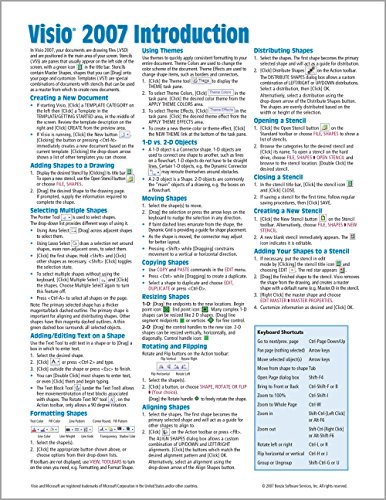
Microsoft Visio 2007 Introduction Quick Reference Guide (Cheat Sheet of Instructions, Tips & Shortcuts - Laminated Card)
Sold Out / Out of Stock
Please be aware orders placed now may not arrive in time for Christmas, please check delivery times.
Microsoft Visio 2007 Introduction Quick Reference Guide (Cheat Sheet of Instructions, Tips & Shortcuts - Laminated Card)
Laminated quick reference guide showing step-by-step instructions and shortcuts for how to use Microsoft Office Visio 2007.
The following topics are covered: Creating a New Document, Adding Shapes to a Drawing, Selecting Multiple Shapes, Adding/Editing Text on a Shape, Formatting Shapes, Using Themes, 1-D vs 2-D Objects Moving, Copying, and Resizing Shapes, Rotating, Flipping, Aligning Shapes Distributing Shapes Stencils: Opening, Closing, Creating, Saving, Adding Shapes to a Stencil, Copying Master Shapes to a Stencil, Using a Connector from a Stencil, Using the Connector Tool, Using AutoConnect, Applying Static or Dynamic Glue, Gluing 2-D Shapes, Adding your Own Connection Points, Changing Connection Point Types, Creating/Modifying Layers, Assigning Shapes to Layers, Creating Groups Using Guides Setup: Printer Paper vs. Drawing Page Shortcut to Working with Pages: Adding, Deleting, Reordering, Renaming. Drawing Windows for Quick Editing: Pan and Zoom, Drawing Explorer, Shape Data, Size and Position. This guide is suitable as a training handout, or simply an easy to use reference guide, for any type of user.