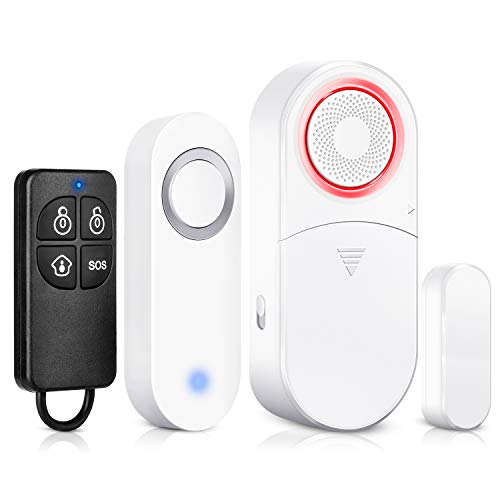

Wireless Door Sensor Alarm Chime, BITIWEND Home Security Window Entry Alert With Operating Range 600 feet/52 Chimes For Home/Garage/Shop
Sold Out / Out of Stock
This item may be available in a different size, colour, scent, version or platform:
Wireless Door Sensor Alarm Chime, BITIWEND Home Security Window Entry Alert With Operating Range 600 feet/52 Chimes For Home/Garage/Shop
【 Record your Own Sound as Bell Ringtone】The voice recording receiver offers 8 default ringtones with high sound quality and 1 custom ringtone(40s long limit).You can record your favorite music and set it as a bell ringtone.
【Self-Powered Wireless Doorbell】No battery required push button, No hassle in buying or changing batteries. You don't need to replace batteries again and again.
【Speaker Sound Quality】The speaker inside is totally different with other normal doorbell,the high sound quality Receiver can used as Speaker at max sound level.With LED indicator and 4 sound level control,easily let you know when guests come.
【Expandable & Auto Memory 】Extra receivers and push buttons (maximum 9) can be added, ONLY same style can be used together.The last melody and volume will be remembered after power cut.
【Easy Installation】IP44 waterproof with wireless operating range up to 500ft in open area.Adhesive tape and screws included, you can install it with tape or screws.
BITIWEND Wireless Door Bell Recordabl with Self-powered Push Button,Door Bell Chime with 500ft Range, 8 Melodies+1pc DIY Record Sound,LED indicator,4 Level Volume
Specifications of Receiver Input voltage AC 100-240V Standby power consumption< 0.3W Working < 1W Chime tunes: 8 melodies + 1 custom tunes by yourself Expandable to multiple receiver or push button< up to 9 Self-powered Transmitter Water resistance rate IP44 Operating range: Up to 500ft ( in open area) Frequency 433 MHz Mechanical life: Approx. 100,000 times
How to Make Custom Ringtones 1 Connect the audio output device(mobile phone, computer etc) to the audio 3.5mm jack of the receiver 2 Select and play the audio file you want to record Press any button on the receiver, then the receiver start recording(indoor The LED light is on and the 'Bi' tone is played, indicating that recording starts). Record up to 40s 3 Stop recording (1) Within 40s recording time, you can click the pause or stop button on the audio output device to stop recording. At this time, the receiver plays the 'Bi Bi' tone, and the recorded audio file will automatically play back while the LED light flashes (2) When the recording is 40s, the LED goes off. the receiver plays the 'Bi Bi' tone, the recording state is exited 4 Now, you can set the tunes you recorded as your regular ringtone with the pairing instruction